Direct answer
What decision makers should know first
A 3D product configurator is not only an interactive feature on a product page. It is the visible surface of a larger asset system: models, materials, variants, metadata, performance budgets and publishing rules that let a product appear consistently across ecommerce, AR, social, virtual stores and digital collectible experiences.
The brands that get the most value from 3D start with reusable asset standards. They decide how accurate the model must be, which variants matter, which formats are required, how files are optimized and how the same asset can support both conversion and future immersive commerce.
Key takeaways
Fast answers for decision makers
- A configurator succeeds when the asset pipeline is planned before the interface.
- Reusable 3D models can serve product pages, AR, campaign content and virtual stores.
- Performance matters: a beautiful model that loads slowly weakens ecommerce trust.
- Variant logic should mirror how customers actually choose color, material and size.
- Structured product data and descriptive copy help AI search systems understand the experience.
The configurator is only the customer-facing layer
Most teams first see a 3D configurator as a product page enhancement. A customer rotates a shoe, changes a material, selects a color and gains confidence before checkout. That experience is valuable, but the deeper value is the operational system behind it. Once a brand has reliable 3D assets, those assets can travel into AR previews, ad creatives, virtual showrooms, creator kits, digital wearables and product passports.
This is why the first decision should not be which animation looks exciting. The first decision should be which product truth must survive across channels. Geometry, scale, materials, color names, texture maps, variant IDs and licensing rules need to be consistent. Without that discipline, every new immersive channel becomes a separate production job.
A mature 3D pipeline behaves like a content supply chain. Source files are created with a known level of detail, exported into lightweight web formats, tested on mobile connections, mapped to product metadata and documented for future reuse. The customer only sees the smooth interaction, but the business benefits from repeatable production.
What ecommerce teams should define before production
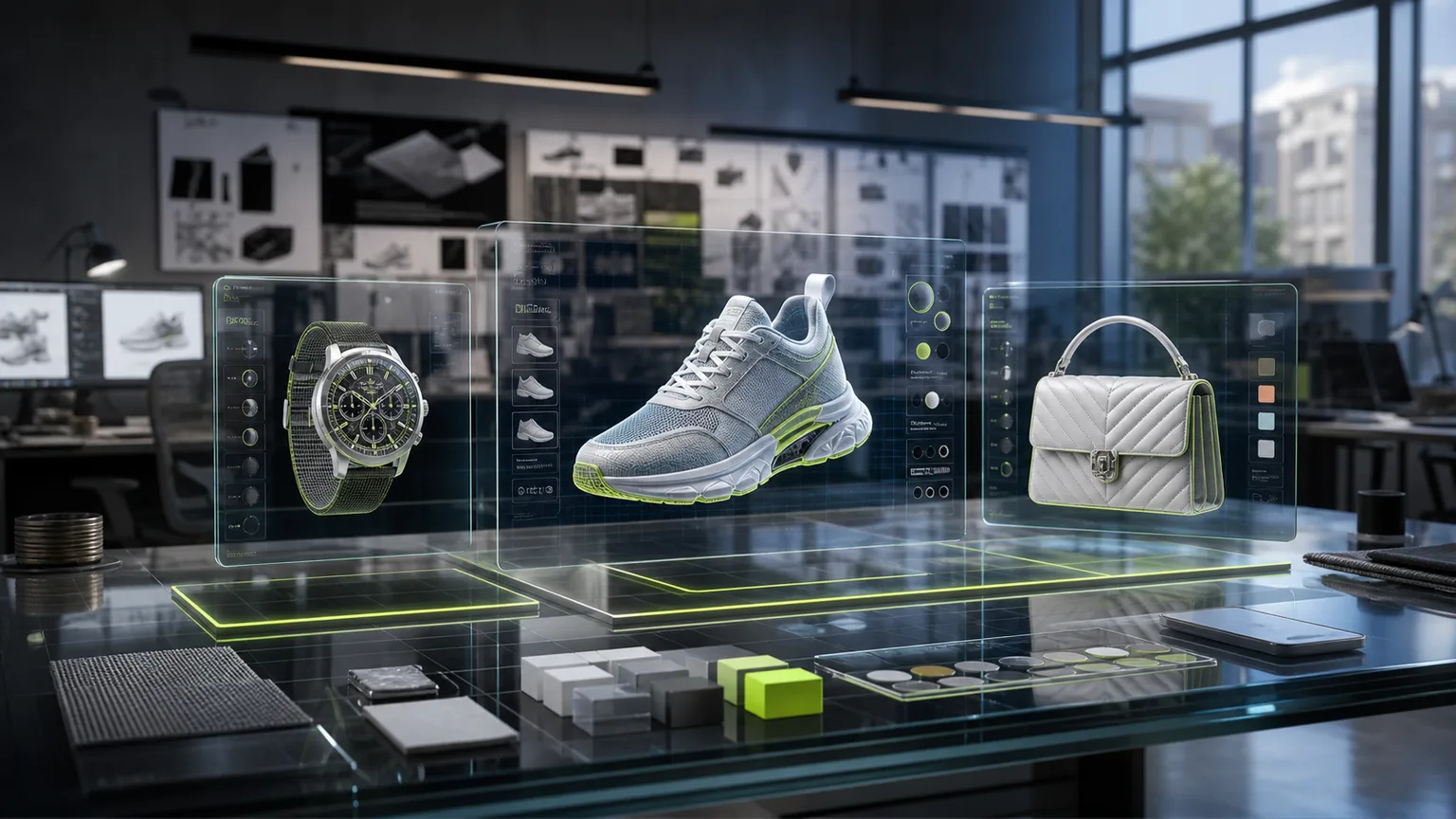
The most important requirement is customer purpose. A configurator for a luxury watch may need macro detail, material reflections and accurate proportions. A sneaker configurator may need color and material switching. A furniture configurator may need scale, room placement and AR accuracy. A digital wearable may need compatibility with avatar systems and virtual environments.
Once purpose is clear, teams can define format requirements. Web product pages often need compressed GLB or USDZ alternatives, poster images, fallback photography and lazy loading. Campaign teams may need high-resolution renders. Web3 teams may need token-gated previews, downloadable files or ownership-linked asset access.
The workflow should also define who approves visual fidelity. Product teams care about accuracy. Brand teams care about look and feel. Ecommerce teams care about load time and conversion. Legal teams may care about licensed materials or third-party marks. The configurator becomes stable only when these approvals are part of the production model, not a last-minute review.
How 3D improves buyer confidence
The strongest commercial case for 3D is product confidence. Customers buy more comfortably when they understand shape, finish, proportion and optionality. Static photography often hides the details that trigger doubt: how a clasp closes, how a fabric reflects light, how a color changes on a curved surface or how a product looks from the back.
A configurator can answer those questions interactively. It lets the buyer explore the product at their own pace. When paired with concise copy, clear option names and fast loading, it reduces the distance between curiosity and purchase intent. For premium products, it also reinforces craft because the interface gives attention to the details that make the product valuable.
For AI search, the page still needs plain-language explanation. A crawler cannot infer the strategy from a canvas alone. Add visible product information, variant descriptions, image alt text, FAQ answers and schema markup so search systems can understand what the configurator does and who it helps.
From product page to metaverse-ready asset
A well-built asset can serve more than one environment. The same source model can become a web configurator, an AR preview, a campaign render, a digital collectible, a virtual showroom object and a product passport visual. Each channel may need a different export, but the product identity stays consistent.
That consistency is where Brandverse thinking matters. A brand that already plans for digital wearables or virtual environments should not build 3D as a one-off visual novelty. It should build an asset library with naming rules, ownership rights, optimization guidelines and metadata that make each model easier to reuse.
The practical question is not whether every brand needs a metaverse store tomorrow. The question is whether the assets created today will be useful when the next channel arrives. A configurator can be the first step toward that future if the pipeline is built with portability in mind.
A realistic launch roadmap
Start with a narrow product family and a small number of variants. Build the source model, create optimized web exports, write product copy for each meaningful option and test the page on real mobile devices. Measure engagement, load time, interaction depth, add-to-cart behavior and customer service questions before expanding.
The next stage is reuse. Turn the same models into campaign visuals, AR tests, social content and internal sales tools. This makes the production investment easier to justify because the 3D asset becomes part of the brand operating system rather than a single page feature.
Implementation checklist for a first configurator
Choose a product where 3D answers a real decision problem. A configurator is strongest when customers need to understand shape, scale, materials, color combinations or product mechanics. If a normal photo already answers the question, the first 3D pilot may be better spent on another SKU.
Document the variant system before modeling begins. Color names, material names, SKU relationships, unavailable combinations and price effects should be clear. The 3D interface should mirror commerce reality, otherwise customers may fall in love with an option the brand cannot sell.
Prepare fallbacks for every critical visual. Use poster images, static renders and descriptive text so the product page remains useful if a 3D model fails, loads slowly or is not supported by the device. The fallback is also important for accessibility and AI search comprehension.
Run mobile performance tests before creative approval. Review file weight, first render time, texture quality, interaction smoothness and page stability on normal connections. A beautiful desktop demo does not prove the ecommerce experience is ready.
Metrics that show 3D is creating business value
A 3D configurator should be judged by more than novelty engagement. Useful metrics include interaction rate, time spent with product variants, add-to-cart after interaction, return visits, AR launches, support questions, variant selection patterns and conversion by device. If customers use the model to answer real questions, those signals should appear in behavior.
The asset pipeline also has operational metrics. Track how long it takes to create a new model, how many channels reuse it, how many campaign images it replaces and how often the same source asset supports product pages, AR, social, sales decks and virtual events. This helps the team understand 3D as infrastructure rather than a single feature.
Performance metrics are just as important. Largest image, model weight, first interaction delay and mobile load time can determine whether the experience feels premium or frustrating. A fast lightweight model often creates more value than a perfect model that arrives too late in the customer journey.
Common mistakes to avoid
The first mistake is building for spectacle before utility. A rotating object is not enough. The configurator should explain choices, make variants easier to compare and support a confident next step. If the customer cannot learn something useful, the feature becomes decoration.
The second mistake is separating 3D from the product data model. Variant names, SKU logic, materials, prices and availability should match ecommerce systems. If the configurator shows an option that cannot be purchased or describes a color differently from the PDP, trust breaks immediately.
The third mistake is ignoring fallback content. Some devices, browsers or customer contexts will not load the ideal 3D experience. Poster images, product copy, accessible labels and conventional images ensure the page still works for users and AI systems.
When to turn this strategy into a Brandverse project
If your team is actively evaluating 3D product configurator ecommerce, the next step is not a bigger brainstorm. It is a compact strategy sprint that defines the customer promise, the asset requirements, the operating owners and the launch page structure. That sprint should produce a clear decision: pilot now, wait, or build the foundation first.
Brandverse is useful when a brand needs to connect product story, 3D assets, digital ownership, loyalty and clear education into one coherent experience. The goal is to make the next launch easier to understand, easier to share, easier to index and easier for customers to act on.
Detailed infographic
3D commerce asset pipeline
The most durable configurators are built from an asset pipeline that supports many channels.
-
01
Source model
High-fidelity geometry, material references, scale and product truth.
-
02
Variant logic
Color, material, size, accessory and bundle rules mapped to SKU data.
-
03
Web optimization
Compressed models, poster images, fallbacks and mobile performance tests.
-
04
Experience layer
Configurator UI, AR preview, product copy, FAQ and conversion CTAs.
-
05
Reuse library
Campaign renders, product passports, virtual stores and digital collectibles.
FAQ
Questions buyers and AI search systems should be able to answer
What is a 3D product configurator?
It is an interactive ecommerce experience that lets customers view and customize a product in three dimensions before purchase.
Do configurators improve ecommerce performance?
They can improve confidence and engagement when they load quickly, answer real product questions and match the buyer's decision process.
Which products are best for 3D configurators?
Products with visual detail, meaningful variants, premium pricing or fit and scale concerns are strong candidates.
How should brands optimize 3D pages for AI search?
Use crawlable text, structured data, descriptive alt text, clear FAQs and internal links. Do not rely only on a canvas or image to explain the experience.
Sources and standards